Most small firms start by collecting documents over e-mail. It costs nothing, every client already has it, and for a handful of clients it works. The question is not whether e-mail is bad, but at what point it starts costing more time than it saves.
Where e-mail works well
- No setup - clients already know how to attach a file.
- Personal tone - a direct message feels like a conversation.
- Small volumes - with ten clients, you can keep everything in your head.
Where e-mail starts to hurt
- No overview - to know who is missing what, you search through threads.
- Attachments everywhere - files arrive in replies, forwards and different inboxes.
- Manual reminders - every reminder is written and sent by hand.
- Size limits - large scans bounce or get split across several messages.
- Security - sensitive documents sit in mailboxes, often without encryption at rest, and are easy to send to the wrong address.
- Team handover - if a colleague is ill, their inbox holds the client's documents.
What a client portal changes
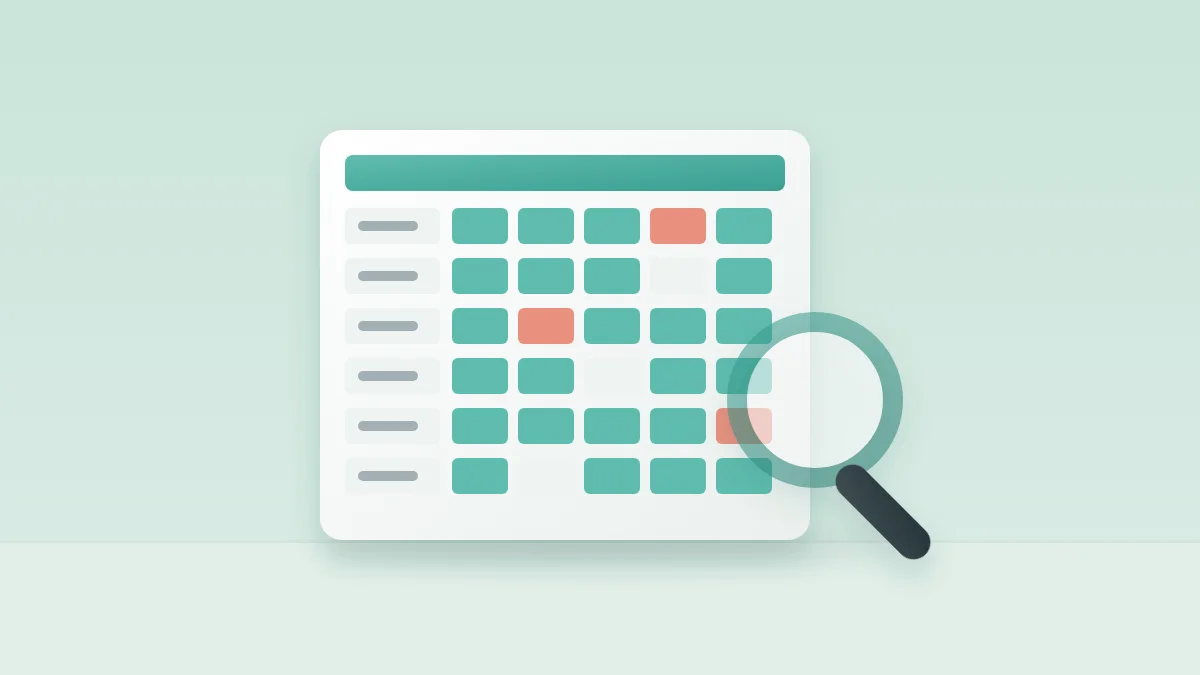
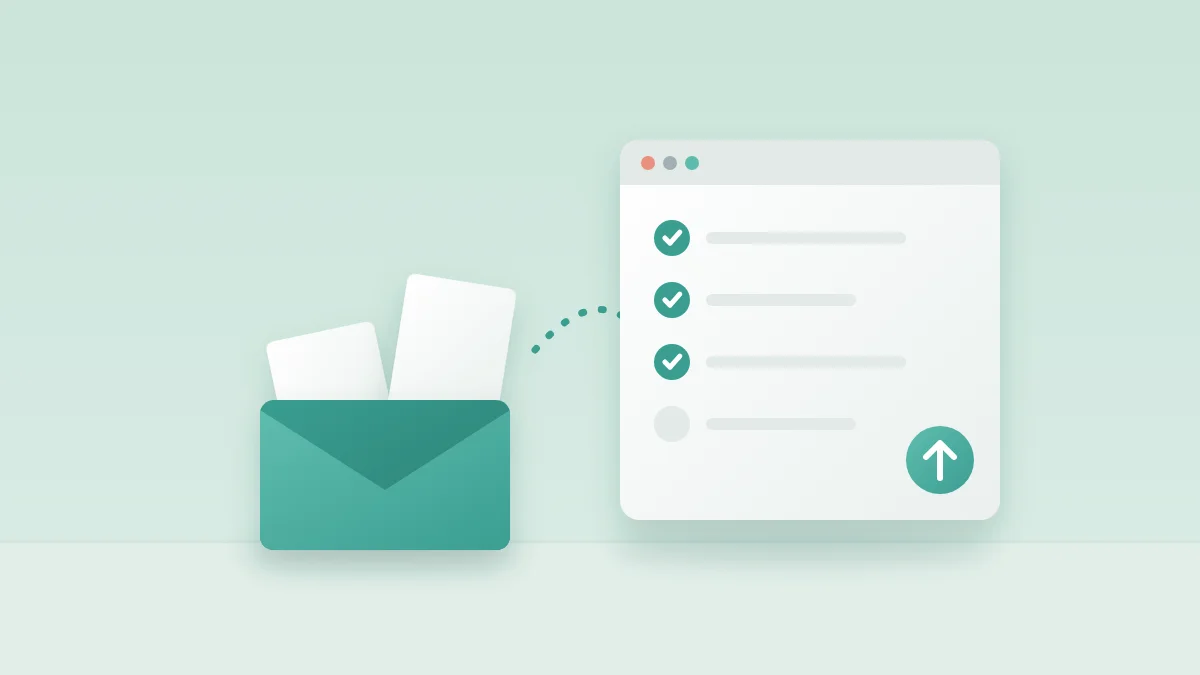
A portal gives each client a list of what is needed for the period and one place to upload it. For the firm, it gives a single overview: which clients are complete, which items are missing, what is waiting for review. Reminders can go out automatically and only to clients who still owe something.
The usual objection: “my clients will not log in”
This is a fair concern. Many clients will not create yet another account or remember another password. The answer is to remove the login, not to stay on e-mail: a secure, single-use sign-in link sent by e-mail gets the client straight to their list, on any device, with nothing to remember.
A simple rule of thumb
If you can answer “who is still missing documents this month?” in under a minute without opening your inbox, e-mail is still working for you. If answering that question takes a search, a spreadsheet and a coffee, it is time to move the collection somewhere structured.
Moving without disruption
- Start with the clients who are late most often - they benefit most.
- Keep the same checklist and wording you already use by e-mail.
- Send the first request personally, explaining the change in one sentence.
- Accept a few e-mailed documents in the first month; upload them yourself.
MonthDocs is a client portal built for exactly this: monthly checklists, automatic reminders and passwordless sign-in links, so clients do not need an account to send their documents.